Why Your Service Business Isn't Showing Up on Google Maps (And How to Fix It)
Craft & Code
March 18, 2026


You've set up your Google Business Profile. You've been in business for years. Your customers love you.
But when you search for your own service on Google, you're nowhere to be found.
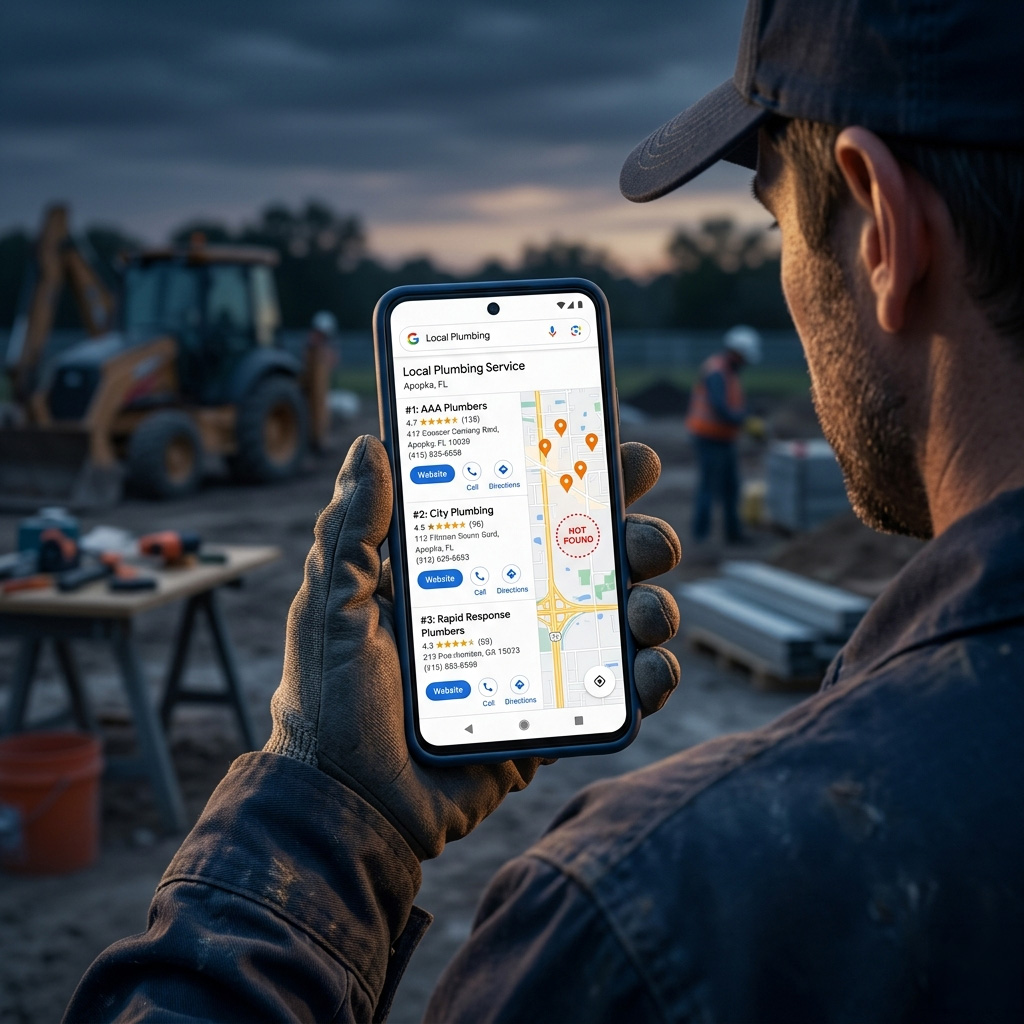
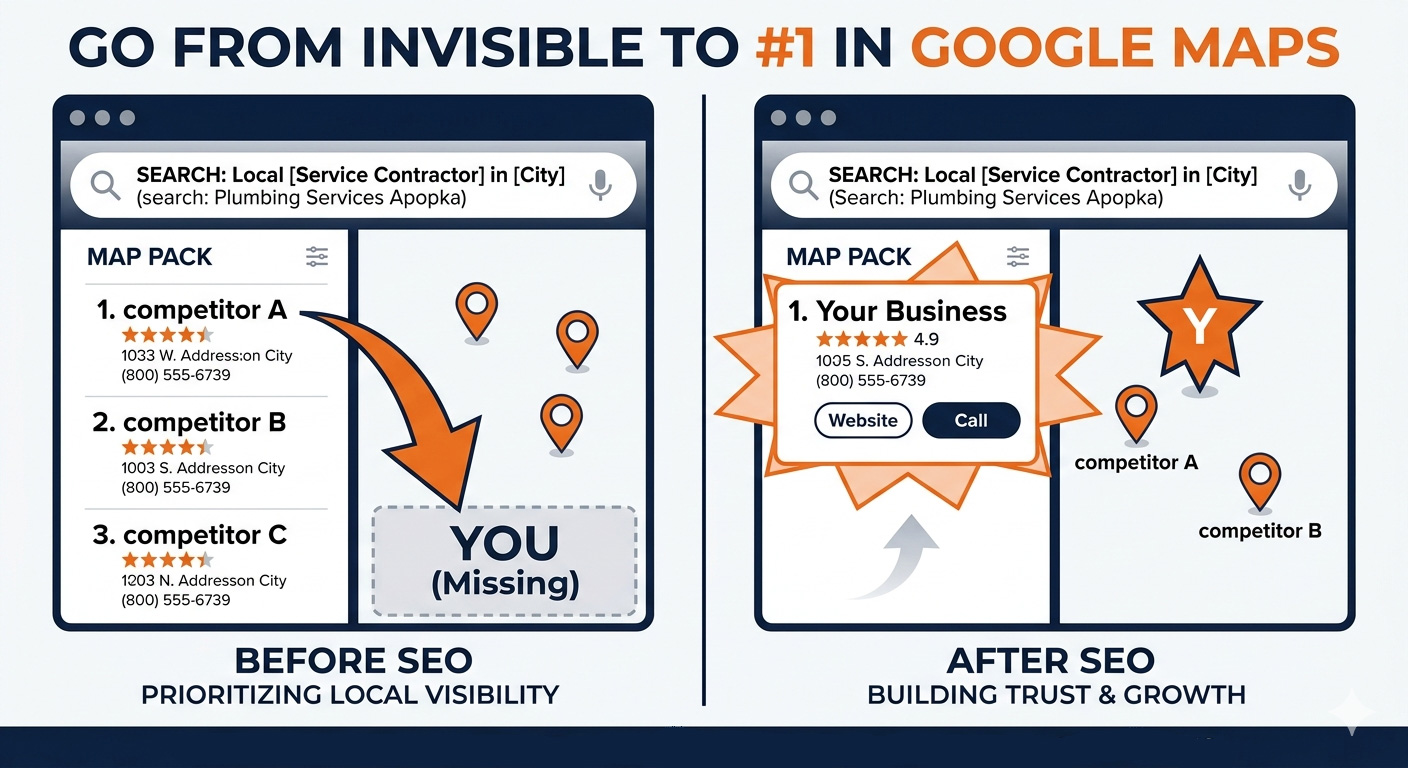
No Map Pack. No listing. Just your competitors showing up where you should be.
This is one of the most frustrating experiences for service business owners, and it happens more often than you'd think. The good news: there's always a reason — and almost always a fix.
Here are the 7 most common reasons service businesses aren't showing up on Google Maps, and exactly what to do about each one.
First: Understanding How the Map Pack Works
Before diagnosing the problem, it helps to understand what Google is actually trying to do.
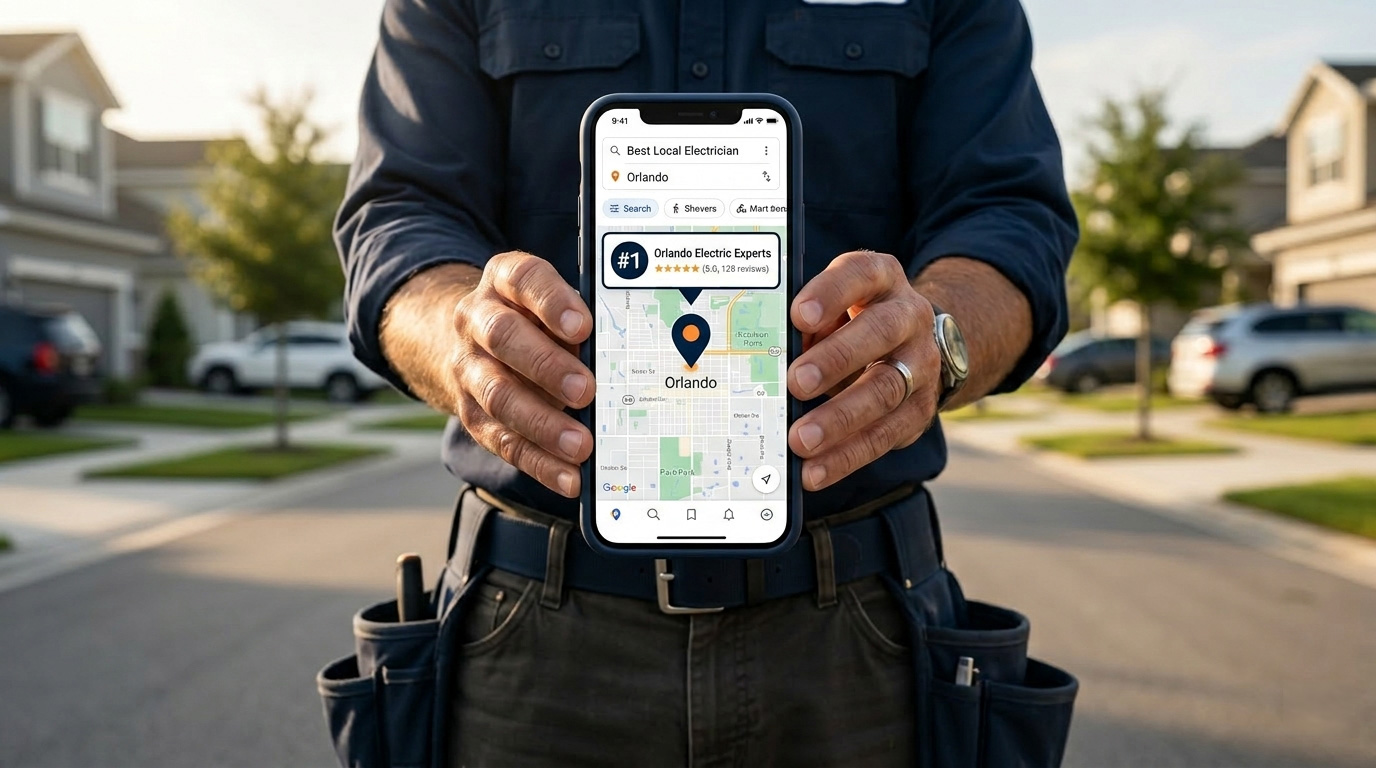
When someone searches "roofing company near me" or "best landscaper in [city]," Google pulls three businesses it believes are the most relevant, most trusted, and most proximate to that searcher. Those three become the Map Pack — the listings with the map that appear above all organic results.
Google uses hundreds of signals to make that decision. But most Map Pack ranking problems trace back to one of these seven causes.
Reason 1: Your Google Business Profile Isn't Verified
This is the most common issue for businesses that are completely absent from Maps results.
An unverified GBP is essentially invisible to Google. You may have created the profile, filled in your information, and even added photos — but if you never completed the verification process, Google won't show your business in local results.
How to check:
Log into your Google Business Profile dashboard. If you see a banner saying "Verify now" or "Get verified," your profile is not yet active.
How to fix it:
Complete the verification process. Google typically sends a postcard with a verification code to your business address. Once entered, your profile goes live. Some businesses qualify for phone or video verification, which is faster.
Timeline: Profiles typically start appearing in local results within 1–2 weeks of verification.
Reason 2: Your Business Category Is Wrong
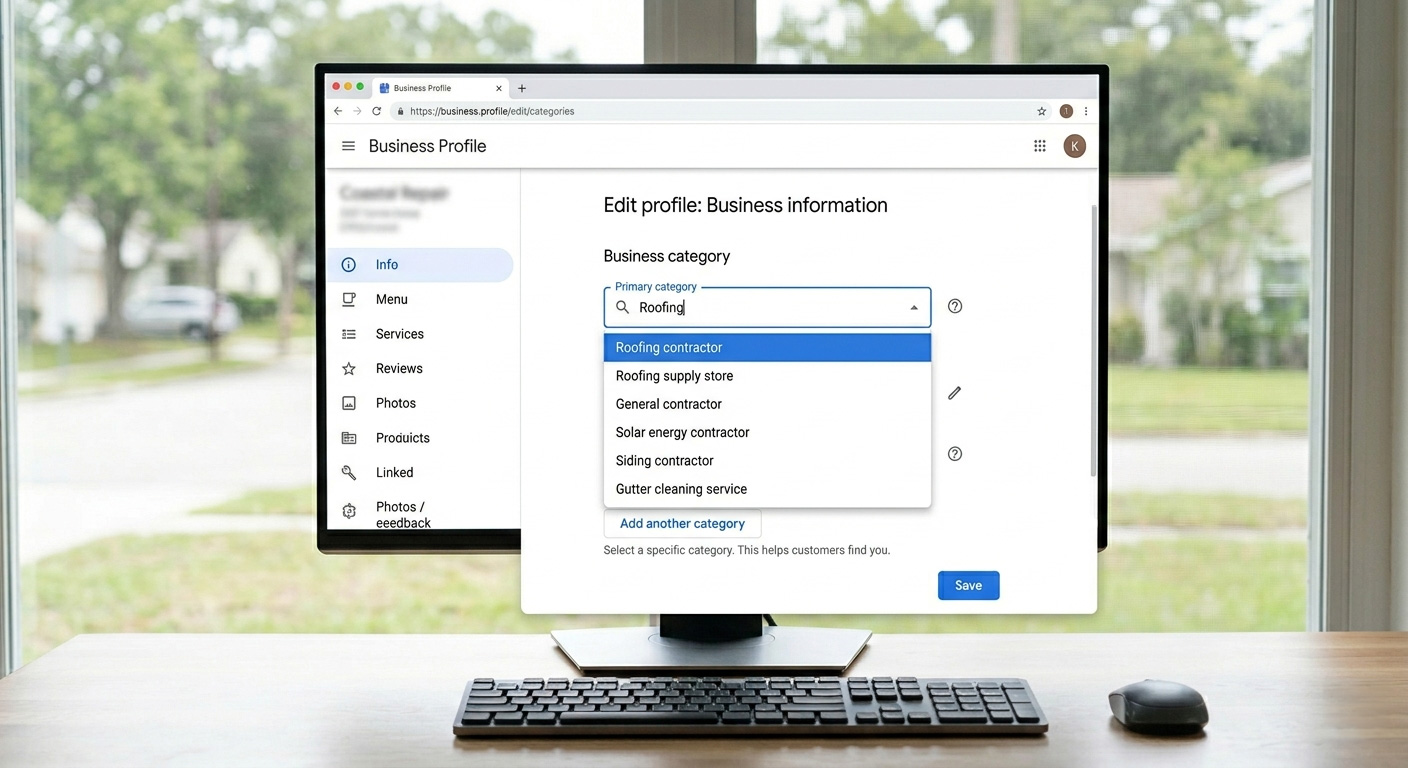
Your primary business category is the single most important ranking factor in your entire Google Business Profile. Get it wrong and you'll rank for searches that don't matter — and miss the ones that do.
Many service businesses select a broad category like "Contractor" or "Business" when far more specific options exist. Google uses your category to determine which searches your business is relevant for. Broad categories mean weak relevance signals.
Examples of the difference:
How to fix it:
In your GBP dashboard, go to Edit Profile → Business Category. Search for the most specific category that accurately describes your primary service. You can also add secondary categories for supporting services — but your primary category should always reflect your core offering.
Reason 3: You're Outside the Searcher's Proximity
Here's something many business owners don't realize: Google Maps results are different depending on where the person searching is located.
If your business is based in the north part of a city and someone searches from the south side, you may simply not appear — not because of anything wrong with your profile, but because Google is prioritizing businesses closer to that searcher.
This is called the proximity factor, and it's one of the few local ranking signals you can't fully control.
What you can do about it:
- Target the right geographic keywords — If you serve a wide area, make sure your service pages and GBP description mention specific neighborhoods and surrounding cities, not just your headquarters location.
- Build location pages — A dedicated page for each city you serve sends a clear geographic signal that you operate in those areas.
- Earn reviews that mention specific locations — When customers say "great roofing company in [neighborhood]" in a review, it reinforces your relevance for that area.
- Build local citations — Listings on local directories that reference your service areas strengthen your geographic authority beyond your physical address.
If you serve multiple cities and aren't ranking in most of them, this is likely your problem. Read our complete guide to local SEO for service businesses to understand how to build geographic relevance across your entire service area.
Reason 4: You Don't Have Enough Reviews (Or Your Rating Is Too Low)
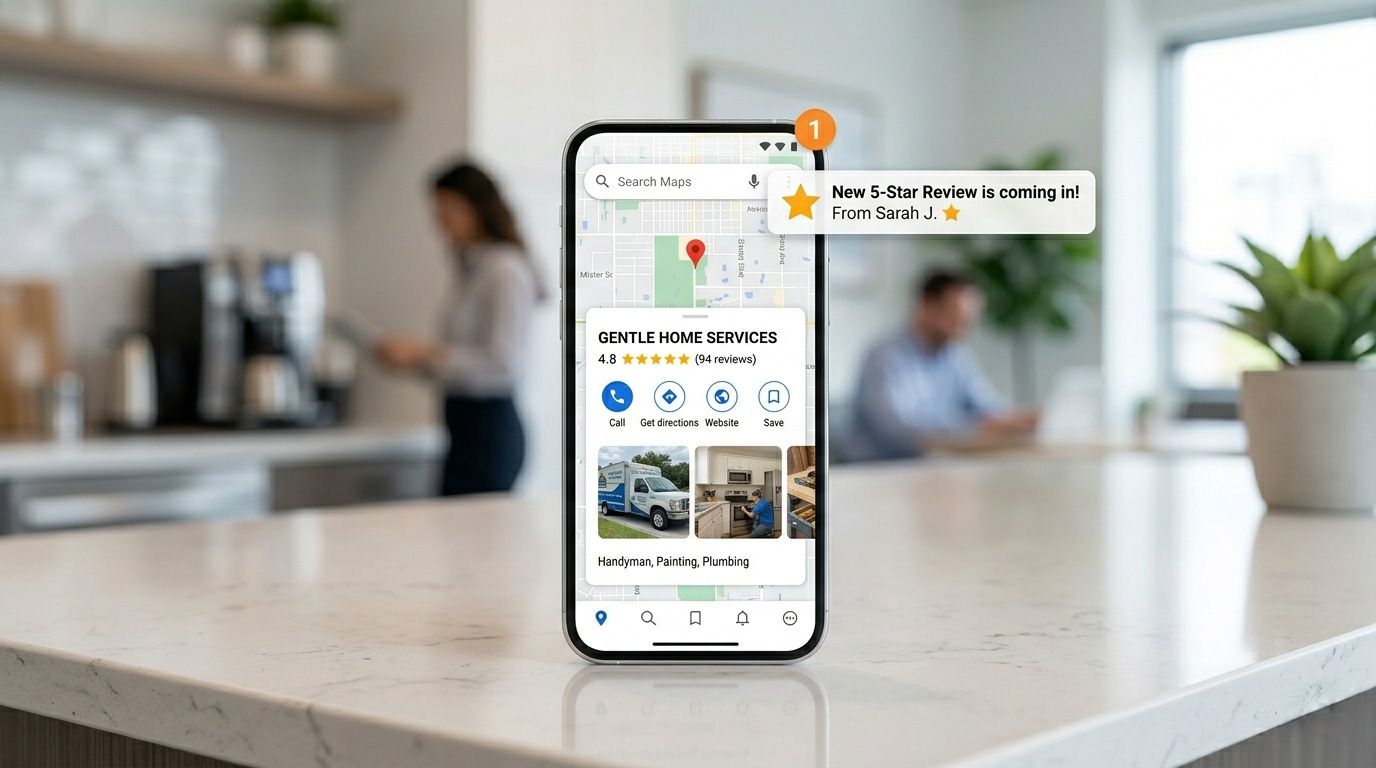
Reviews are a direct ranking factor — not just a trust signal. Google uses review quantity, recency, and rating as signals to determine which businesses it surfaces in the Map Pack.
If your competitors have 80 reviews and you have 6, Google reads that as a difference in authority and popularity. The business with more reviews — especially recent ones — almost always wins the ranking battle when everything else is equal.
The three review factors that affect rankings:
Quantity — More reviews signal that more people have chosen and trusted your business. There's no magic number, but in most markets you need to be competitive with the top 3 businesses in your category.
Recency — A steady stream of new reviews outperforms a large batch from three years ago. Google weights fresh signals more heavily. Aim for at least 2–4 new reviews per month.
Rating — Anything below a 4.0 rating will actively suppress your Map Pack visibility. Google doesn't want to send searchers to businesses with poor reputations.
How to build reviews consistently:
- Ask every satisfied customer immediately after job completion — timing matters
- Send a direct link to your Google review page via text or email — remove all friction
- Make it a system, not a one-time push — build it into your post-job workflow
- Respond to every review — response activity is itself a ranking signal
Reason 5: Your GBP Has Been Suspended or Has a Penalty
Google suspends Google Business Profiles more often than most business owners know — and in many cases the business owner has no idea it's happened.
A suspended profile is completely removed from Maps and local search results. No listing, no calls, no visibility.
Common reasons for GBP suspension:
- Business name includes keywords instead of your actual business name (e.g., "Orlando Best Plumber" instead of "Smith Plumbing")
- Suspected duplicate listings for the same business
- Address that appears to be a virtual office, PO box, or ineligible location
- Violations of Google's business guidelines
- Suspicious activity flagged by Google's systems
How to check:
Search for your business name on Google. If your listing doesn't appear at all — not even when searching your exact business name — suspension is likely.
How to fix it:
Go to the Google Business Profile support portal and submit a reinstatement request. Be prepared to provide documentation proving your business is legitimate — photos of your storefront, business license, utility bills, etc.
This process can take several weeks. Prevention is far easier than recovery.
Reason 6: Your Website Is Weak
Your website and your Google Business Profile are not separate systems. Google evaluates your website as part of the overall trust and authority assessment it makes before deciding whether to put you in the Map Pack.
A slow website, thin content, or a site with no local signals sends a weak trust signal that drags down your local rankings — even if your GBP is perfectly optimized.
Website factors that affect local rankings:
- Page speed — Google uses Core Web Vitals as a ranking factor. A slow site on mobile hurts both organic and local rankings.
- Mobile usability — Over 60% of local searches happen on mobile. A site that's hard to use on a phone loses both the ranking and the lead.
- Local content — Does your website clearly state what you do and where you serve? Thin, vague content gives Google nothing to work with.
- NAP consistency — Your Name, Address, and Phone number on your website must exactly match your GBP. Even small formatting differences create confusion.
- Schema markup — LocalBusiness schema tells Google precisely who you are, where you operate, and what services you provide.
Your website is the foundation everything else is built on. Without it, even perfect GBP optimization has a ceiling. See how we build websites specifically engineered for local search visibility.
Reason 7: Your Competitors Are Simply Better Optimized
Sometimes everything on your end is technically correct — but your competitors have built a stronger local SEO presence over time.
More reviews. More backlinks. More location pages. A faster website. More GBP activity.
In competitive markets, the Map Pack isn't won by avoiding mistakes — it's won by outperforming. If three businesses in your city have been actively building their local SEO for two years and you're just starting, you have a gap to close.
How to close the gap:
- Audit the top 3 Map Pack businesses in your category — look at their review count, their website, their GBP activity, and their content
- Identify specifically where they're stronger
- Build a plan to match and exceed each signal over the next 3–6 months
- Focus on the highest-leverage areas first: reviews, GBP optimization, and website quality
This is exactly the kind of competitive analysis we run for every client before building a local SEO strategy.
How to Diagnose Your Specific Problem
Not sure which of these applies to you? Work through this checklist:
If you answered no to any of these, you've found your problem.
The Fix Is a System, Not a One-Time Task
Every issue on this list is fixable. But fixing it once isn't enough — local SEO is an ongoing system that compounds over time.
The businesses that dominate Map Pack results in competitive markets aren't there by accident. They've built and maintained a consistent local SEO presence: active GBP, steady reviews, strong website, clean citations.
If you're a service business ready to stop being invisible and start generating consistent leads from local search, we'd love to talk.
Already in Orlando and want a local SEO team that knows your market?
See our Orlando SEO services →
Related Posts:
- Local SEO for Service Businesses: The Complete Guide
- Why Your Service Business Website Is Losing You Leads
further reading